
Quarch Power Studio
Part Number: QPS
Product Details
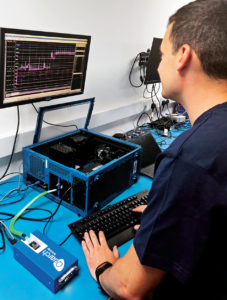 What is Quarch Power Studio (QPS)?
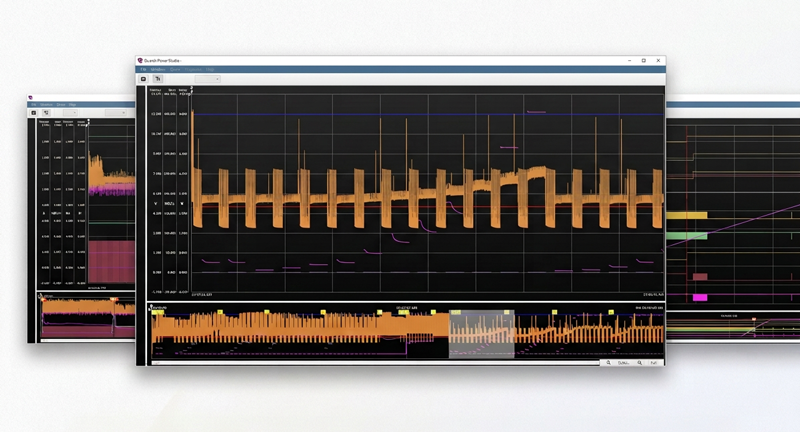
Quarch Power Studio (QPS) captures and analyses power data (and more!) from our wide range of analysis tools.
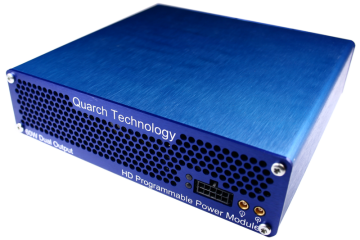
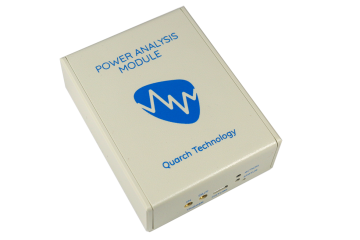
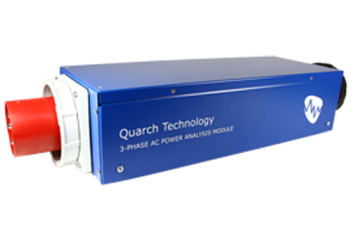
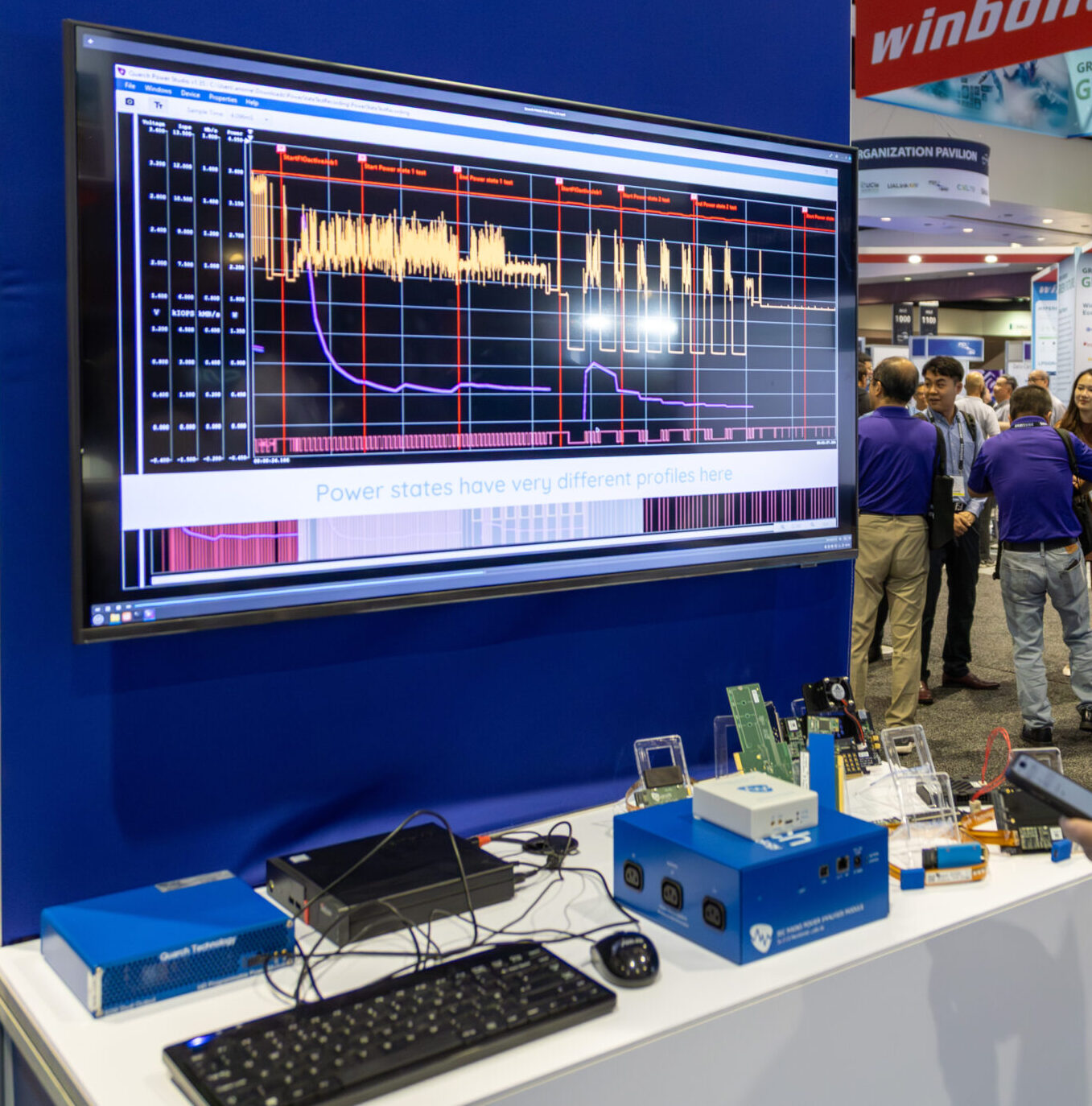
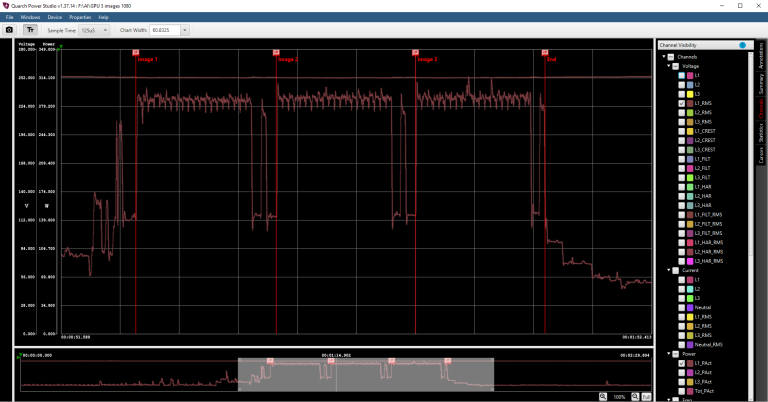
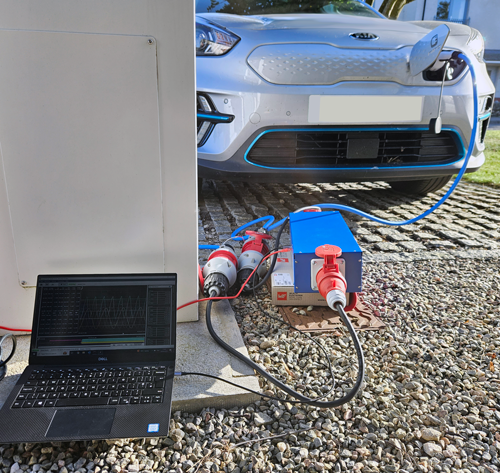
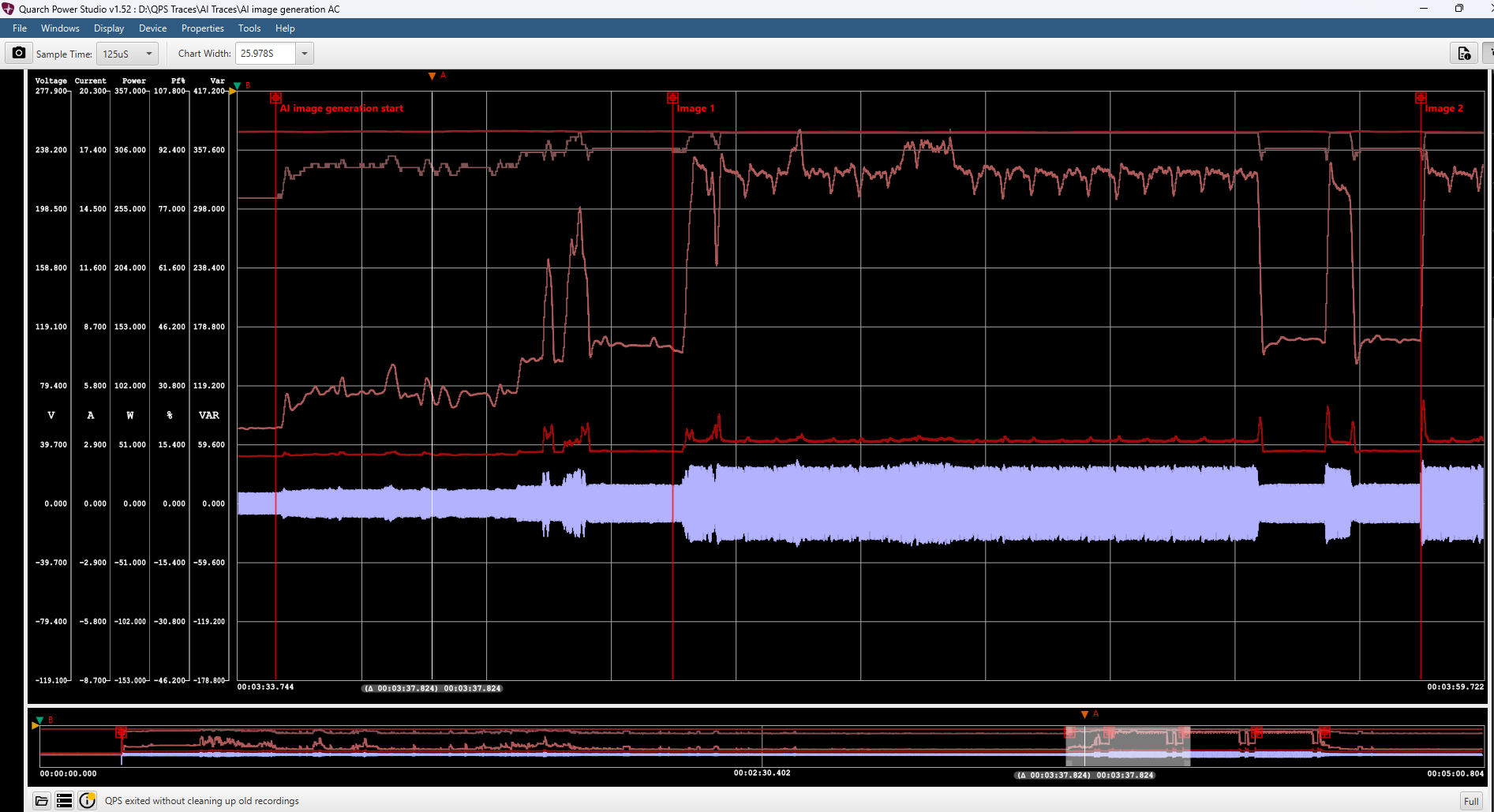
QPS supports PPM, PAM and Aon range products and can capture DC, AC, digital sidebands and even custom user data. Existing hardware fixtures make it simple and safe to analyse everything from storage devices (NVMe, PCIe, OCP, CLX) to large AI/GPU accelerators and AC devices up to 63A per phase.
Zoom into the smallest detail, or step back across multi-gigabyte traces from long-term captures. QPS makes it simple to capture and view your data, allowing you to make the right engineering choices.
QPS can connect to Quarch analysers over USB or LAN connections. Capture can be done manually, or the entire process can be automated easily in Python for 24/7 testing.
Unlike a scope or traditional power analyser, QPS allows you to capture high-resolution data for hours or even days. This provides an order of magnitude more data than would otherwise be available and makes it easy to break down and understand what you need to know.
Automation examples are provided that show you how to capture data, export to CSV, extract statistics and even add your own custom channels, such as temperature or performance metrics.
Screenshot capture, data export, multi-region statistics, PDF reporting and many more options expand this into an industry-leading tool for power analysis.
Features & Technical Breakdown |
|
| Category | Specifications & Capabilities |
| Trace & data capture | Record any length of power trace continuously, log digital sidebands, and capture high-resolution measurements for deep analysis. |
| Analysis & visualisation | Easily zoom to measure fine waveform details, annotate traces, add custom user data channels, and calculate statistics across hundreds of workloads. |
| Export & reporting | Export screenshots, full CSV data, selected trace sections and statistics blocks |
| Automation | A full Python automation library is available. Open source and with many examples |
| Runtime & platform | Standalone Java packaged application (no separate Java installation needed) with native builds for Windows, Linux, and macOS. |
Ditch your scope: a dedicated power analyser captures detail a general-purpose oscilloscope misses — and frees your scope for what it’s actually for. Watch the walkthrough to see QPS in action below.
Features
- Record any length of power trace
- Capture digital sidebands
- High-resolution capture for detailed analysis
- Add custom user data channels
- Annotate traces
- Export screenshots and trace sections
- Zoom easily to measure the smallest features
- Calculate statistics across 100s of workloads
- Full Python automation
- Accurately measure and analyses power consumption across NVMe, PCIe, SAS, SATA, CXL, and OCP storage
Technical
- Java 24 based application (fully packaged, so Java install is not needed)
- Windows, Linux and Mac build available
- Python automation library (Via TCP socket)
- Handles multi-gigabyte files
FAQ
How do I connect QPS to a Quarch device?
Connect QPS to a PPM or PAM module over USB or Ethernet, and the software will detect and connect to it automatically.
What OS platforms support Quarch Power Studio?
QPS runs on Windows, Linux and Mac OS.
Can I automate tests with Python?
Yes. QPS can be driven from Python scripts via the open-source QuarchPy package. Multiple application note examples are available to help you get started
Evaluate this product
Evaluate nowRelated News